Sync Salesforce CRM to Android, iPhone, Google and Outlook
Contacts, accounts, opportunities, calendar, tasks, and notes. Salesforce data is stored on devices for offline use and integration with Caller ID, mobile email, and maps.
Two-way sync Free trial Free Telephone Technical Support
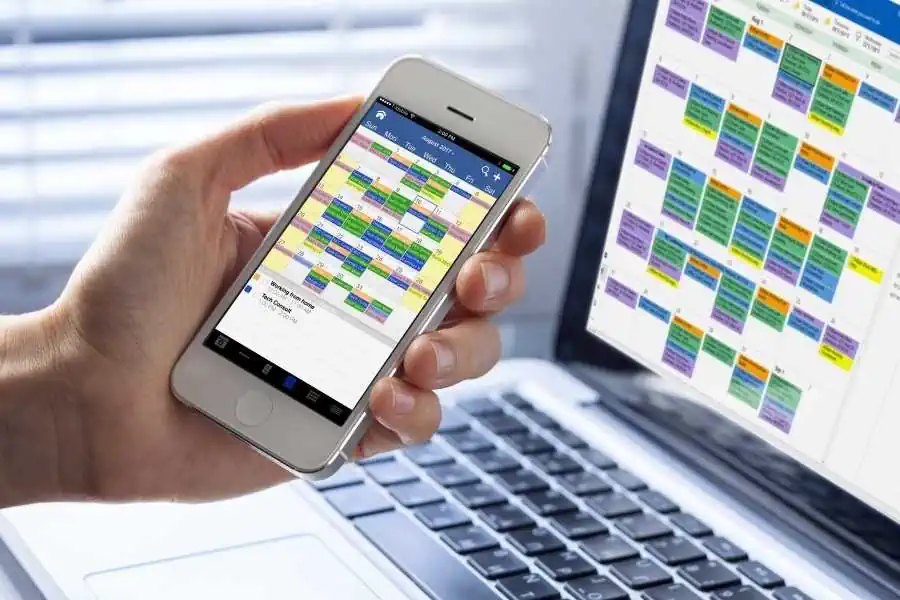
- Available as One-time license or Subscription
- Contacts, Accounts, Opportunities, Calendar, Tasks, Categories
- Integrates with your device's Caller ID, email, and maps
- Supports all Salesforce CRM editions
- Appointments linked to contacts, phone number, maps, and email address
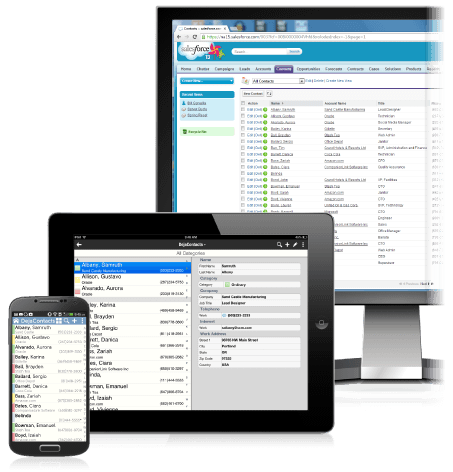
Get CompanionLink Professional
$149.95 Buy 3-month subscription
$28.95 Do you have a question?
Click here to ask us anything!
Resources
- Setup guide for Salesforce to DejaOffice CRM on iPhone and Android
- Setup guide for Salesforce to Outlook sync
- Setup guide for Salesforce to Google sync
- Setup guide for Salesforce to Office 365 sync
How it works
CompanionLink keeps the Salesforce.com Sales Cloud tightly integrated with Outlook or DejaCloud. DejaCloud can sync to Android, iPhone, and iPad. Our mobile app, called DejaOffice CRM, holds Salesforce data for a fast and intuitive CRM experience on your mobile without the lag and latency involved with web browsing. CompanionLink also synchronizes with other products like Microsoft Outlook.
Three components work together to keep everything syncrhonized: CompanionLink desktop software, our DejaCloud wireless service, and our DejaOffice CRM mobile app. All three are available for a one-time license or subscription - choose the model that works for you!
Salesforce CRM data we sync
- Contacts
- Names, addresses, phone numbers, email addresses
- Birthdays
- Custom fields
- Calendar
- Appointments
- Recurring events
- Contact links to calendar appointments
- Alarms
- Notes and histories
- Sync notes for each Contact and Account
- Categories
- Select which Salesforce Categories you want to sync
- Tasks
- Priorities
- Due dates
- Alerts, reminders
Supported versions of Salesforce CRM
- Unlimited
- Enterprise
- Professional
- Group
- Contact Manager
Last modified: